
Picture this. A client urgently needs a copy of their contract. You know you have it, somewhere. Maybe it’s in someone’s email. Maybe it’s saved on a desktop folder with a name like “Final_v3_FINAL_use_this_one.” Maybe it’s printed and sitting in a physical file somewhere in the office.
Ten minutes later, you’re still looking.
Sound familiar? If it does, you’re not alone. And more importantly, it doesn’t have to be this way.
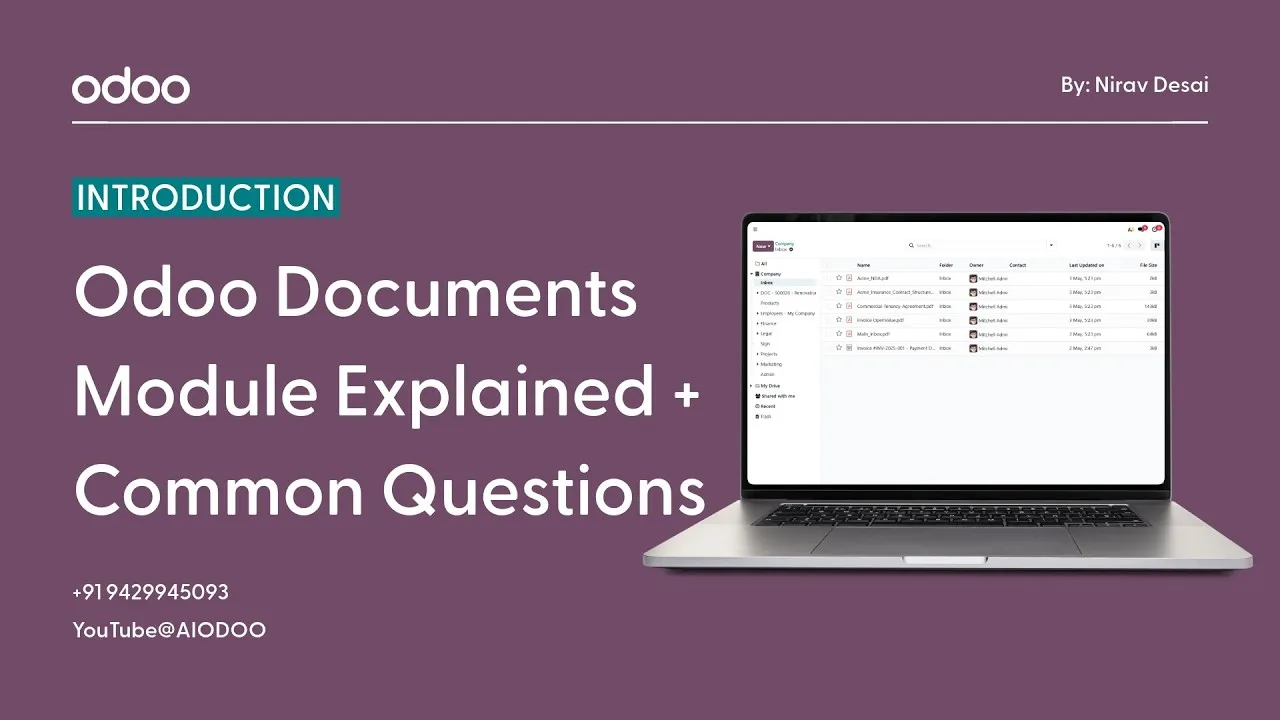
The Odoo Documents Module exists precisely to solve this problem. It brings every file, every document, and every record your business generates into one organized, searchable, secure, and accessible system. No more chaos. No more hunting. Just the right document, found in seconds.
What Exactly Is the Odoo Documents Module?
The Documents Module is Odoo’s built-in file management system, but it’s far more powerful than a simple cloud storage folder.
Think of it as a smart, business-aware document hub that doesn’t just store your files, but actually integrates them into your workflows. It’s designed from the ground up for how businesses actually operate, not how IT departments wish they did.
With the Documents Module, your business can:
- Store documents securely: files are protected, backed up, and accessible only to the right people
- Organize files into folders and workspaces: structure your documents the way your business is structured, with dedicated spaces for different departments or document types
- Share files with teams instantly: no more emailing attachments back and forth or wondering if someone has the latest version
- Search and find documents quickly: locate any file in seconds using smart search tools, even across thousands of records
- Create paperless workflows: connect documents directly to business processes so files move automatically where they need to go
Most importantly, it eliminates the exhausting dependency on scattered files, endless email attachments, and the kind of manual document handling that quietly drains your team’s time and energy every single day.
What Are the Real Benefits of Using the Documents Module?
Let’s be honest, every software claims to make your life easier. So let’s talk about what the Odoo Documents Module actually delivers in real, practical terms:
- Centralized Document Storage: One place for everything. Invoices, contracts, HR records, purchase orders, internal policies, all living in a single, organized system that your whole team can access. No more “I thought you had that file.”
- Faster File Access: When documents are properly organized and searchable, finding what you need goes from a frustrating 10-minute search to a 10-second one. Multiply that across your entire team, every single day, and the time savings become enormous.
- Improved Team Collaboration: When everyone is working from the same documents in the same system, collaboration becomes seamless. No version confusion, no duplicate files, no “which one is the latest copy” debates.
- Better Organization Across Departments: Sales has their quotes and contracts. HR has their employee records. Finance has their invoices and reports. Each department stays organized in their own workspace without stepping on each other’s files.
- Reduced Paperwork: Physical documents get lost, damaged, and take up space. Digital document management means less printing, less filing, and less of the administrative overhead that comes with paper-based systems.
- Easy Document Tracking: Know exactly who uploaded a file, when it was last modified, and who has accessed it. Full visibility means full accountability.
How to Use the Documents Module: Step by Step
Getting started with the Documents Module is refreshingly straightforward. Here’s exactly how to set it up and start managing your files like a pro:
Step 1: Open the Documents App From your Odoo dashboard, find and click on the Documents app. You’ll land on the main Documents interface, which gives you an overview of all your workspaces and recent files.
Step 2: Create Folders or Workspaces Before uploading anything, take a moment to set up your structure. Create workspaces or folders that reflect how your business is organized, for example, separate spaces for Sales Documents, HR Files, Finance Records, and Internal Policies. A little structure at the start saves enormous confusion later.
Step 3: Upload Your Files Simply drag and drop files into the relevant workspace, or use the upload button to browse and select files from your device. Odoo accepts a wide range of file types: PDFs, Word documents, spreadsheets, images, and more.
Step 4: Organize Using Tags and Categories Here’s where the Documents Module starts to feel really smart. You can attach tags and categories to files, making them searchable and filterable in ways that a simple folder structure never could. Tag a document as “Invoice,” “Pending Approval,” or “Q3 2024” and it becomes instantly findable no matter where it’s stored.
Step 5: Share Documents With Users or Teams Need to share a contract with your legal team? Or give a vendor access to a specific document? Odoo lets you share files with specific users, teams, or even external parties, with full control over who can view, edit, or download each file.
From that point forward, your documents aren’t just stored; they’re organized, accessible, and connected to the rest of your business operations.
Smart Search and File Organization: The Game Changer
If there’s one feature in the Documents Module that will make you wonder how you ever managed without it, it’s the search and filter functionality.
Here’s what it enables:
- Instant Document Search: Type a file name, a tag, a date, or even a keyword and Odoo surfaces the right document immediately. No folder diving, no guesswork.
- Filter by Category or Document Type: Want to see only contracts from this year? Only HR documents? Only pending invoices? Filters make this a single click.
- Easy Record Access From Anywhere: Because the Documents Module is integrated with the rest of Odoo, you can often access relevant documents directly from a related record, like viewing a contract straight from a customer’s CRM profile.
- Avoid Duplicate File Storage: Smart organization means your team stops uploading the same document multiple times in different places. One file, one location, everyone knows where it is.
For businesses managing hundreds or thousands of documents, this level of searchability isn’t just convenient; it’s genuinely transformative.
Why Going Paperless Actually Matters for Your Business
There’s a reason more and more businesses are moving toward fully digital document management, and it goes beyond just being modern or environmentally conscious.
Here’s the real business case for going paperless with Odoo:
- Reduce Clutter: Physical files take up space, get disorganized, and create visual and mental noise. Digital documents don’t. Your office stays cleaner and your processes stay clearer.
- Improve Efficiency: Digital workflows move faster than paper ones. Approvals, sign-offs, and document routing that used to take days can happen in hours, or even minutes.
- Increase Accessibility: With Odoo’s cloud-based system, your documents are accessible from anywhere, office, home, on the road, or across multiple locations. Your files travel with your business, not against it.
- Support Remote Collaboration: In a world where remote and hybrid work is increasingly common, having a centralized digital document system isn’t a luxury; it’s a necessity. Your team can collaborate on the same files in real time, regardless of where they’re physically located.
Odoo makes the transition to paperless operations smooth, practical, and genuinely business-friendly. You don’t need to overhaul everything overnight, you can migrate documents gradually and build the system at a pace that works for your team.
How the Documents Module Connects With the Rest of Odoo
Here’s something that sets the Odoo Documents Module apart from standalone file storage tools like Google Drive or Dropbox, it’s not isolated. It’s woven into the fabric of the entire Odoo ecosystem.
What does that mean in practice?
It means a contract can be linked directly to a customer record in CRM. An invoice can be attached to a sales order. An HR document can sit inside an employee’s profile. A vendor agreement can be connected to a purchase order.
Your documents don’t just sit in folders, they live inside the context of your actual business workflows. When you open a customer record, the relevant documents are right there. When you process an invoice, the supporting files are already attached. Everything connected, everything in context.
That level of integration is something no standalone document storage tool can offer, and it’s one of the biggest reasons why managing documents inside Odoo is so much more powerful than managing them outside it.
Also Read : How to Manage Contacts in Odoo | Complete Customers & Vendors Guide
The Bottom Line
Disorganized document management is one of those problems that most businesses tolerate for far too long because it feels like a small inconvenience rather than a serious issue.
But the time lost searching for files, the errors caused by working with outdated documents, the professional damage done by not finding things when clients need them, it all adds up. And it keeps adding up, quietly, every single day.
The Odoo Documents Module is the clean, practical, permanently effective solution to all of it.
From the very first invoice you upload to the thousandth contract you file, every document your business creates deserves to be stored properly, found easily, and connected to the work it supports.
Give your business the document management system it deserves. Your team will be more productive, your operations will run more smoothly, and you’ll never spend ten minutes hunting for a file again.
Watch the full video for a practical step-by-step walkthrough: