How to Start Your Odoo Free Trial | Step-by-Step Beginner Guide
Let’s be real — the moment most people hear “ERP system,” they picture something complicated, expensive, and meant only for big corporations with dedicated IT teams.
But what if we told you that you could be up and running on one of the world’s most powerful business management platforms in less than 10 minutes — for free — without writing a single line of code?
That’s exactly what Odoo’s free trial offers. And in this guide, we’re going to walk you through every step, so there’s absolutely nothing to figure out on your own.
What Exactly Is the Odoo Free Trial?
Before we get into the how, let’s quickly talk about the what.
Odoo’s free trial is essentially a full-access pass to the platform — no credit card required, no hidden commitments, no pressure. You get to log in, explore, click around, and experience what it actually feels like to manage your business inside Odoo.
During the trial, you can explore some of Odoo’s most powerful modules, including:
- CRM — manage leads and track your sales pipeline
- Sales — handle quotes, orders, and customer transactions
- Inventory — monitor stock levels and manage your supply chain
- Accounting — track invoices, expenses, and financial reports
- And many more business apps — depending on what your business needs
Think of it as test-driving a car before buying it. You wouldn’t make a major purchase without knowing how it feels to drive — and the same logic applies to choosing an ERP system for your business.
How to Start Your Free Trial — Step by Step
Here’s the part you’ve been waiting for. Starting your Odoo free trial is genuinely one of the simplest things you’ll do today. Follow these steps and you’ll be inside your own Odoo dashboard before you know it.
Step 1 — Visit the Official Odoo Website Open your browser and head over to the official Odoo website. Make sure you’re on the real, official site to ensure a safe and smooth signup experience.
Step 2 — Click on “Start Free Trial” You’ll see the option prominently displayed on the homepage. Go ahead and click it — this is where your Odoo journey officially begins.
Step 3 — Enter Your Basic Details You’ll be asked for a few simple details — your name, email address, and company name. That’s it. No lengthy forms, no complicated verification process. Just the basics to get your account created.
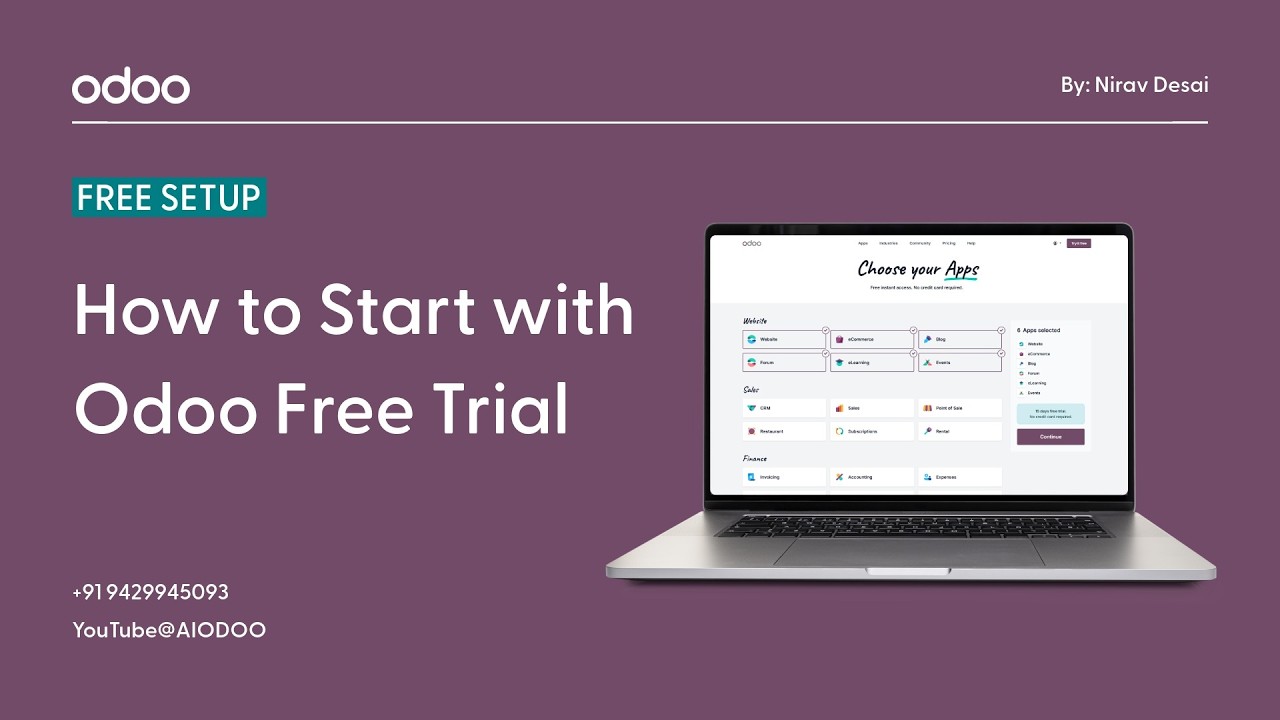
Step 4 — Select Your Required Applications This is one of the most exciting steps. Odoo will ask you which apps or modules you want to start with. Not sure yet? Don’t worry — you can always add or remove modules later. Pick the ones that feel most relevant to your business right now.
Step 5 — Access Your Dashboard And just like that — you’re in. Your Odoo dashboard is ready, your selected modules are waiting, and your free trial has officially begun.
No technical knowledge needed. No developer required. No setup headaches. Just a few clicks and you’re exploring a real, fully functional ERP system.
What Do You Actually Get During the Trial?
This is where it gets really valuable. The Odoo free trial isn’t a watered-down, limited-feature demo. It gives you genuine access to the platform so you can:
- Explore modules in real time — navigate through CRM, Sales, Inventory, and more just like a real user would
- Test features hands-on — create leads, add products, generate invoices, and see how everything actually works
- Understand workflows — follow a process from start to finish and see how different modules connect and work together
- Experience a real ERP environment — not a simulation, not a slideshow — an actual system running actual business operations
By the end of your trial, you won’t just know about Odoo — you’ll know how to use Odoo. And that’s a huge difference.
Also Read: Odoo FAQs Explained: Pricing, Setup, AI Future & Features.
Why Is the Free Trial So Important?
You might be wondering — why does a free trial even matter that much? Can’t you just read about the features and make a decision?
Here’s why actually trying it changes everything:
- Understand the system before you buy — see exactly what you’re getting before spending any money, eliminating guesswork completely
- Reduce your risk — no more committing to software that looks great on paper but doesn’t work for your actual business in practice
- Explore features practically — reading about a feature and actually using it are two completely different experiences. The trial lets you do the latter.
- Train your team with zero pressure — use the trial period to let your team explore the system, get comfortable with it, and ask questions before you go live
The free trial essentially removes every barrier between you and making a confident, informed decision. That’s not something many software companies offer — and it says a lot about how much Odoo believes in its own product.
The Bottom Line
If you’ve been thinking about trying Odoo but kept putting it off because it seemed complicated or intimidating — this is your sign to just go for it.
The free trial is the lowest-risk, highest-reward first step you can take. It costs you nothing, requires no technical background, and gives you a genuine firsthand experience of what managing your entire business from one place actually looks and feels like.
You don’t need to have everything figured out before you start. That’s the whole point of the trial — to help you figure it out.
So go ahead. Visit the website. Hit that button. And take the first real step toward a more organized, more efficient, and more scalable business. 🚀
Your future self will thank you for it.
Watch the video for a live step-by-step demo: