
Every business wants more customers. More sales. More repeat buyers who keep coming back.
And while great products and excellent service are the foundation of all of that, sometimes, a well-timed discount is exactly what tips a hesitant customer into becoming a paying one.
But here’s where most businesses get it wrong. They treat discounts as an afterthought, a manual percentage knocked off a price, scribbled on a sticky note, applied inconsistently across the team. No tracking, no strategy, no way to know if the promotion actually worked.
That’s not a promotion. That’s just guesswork with a price tag.
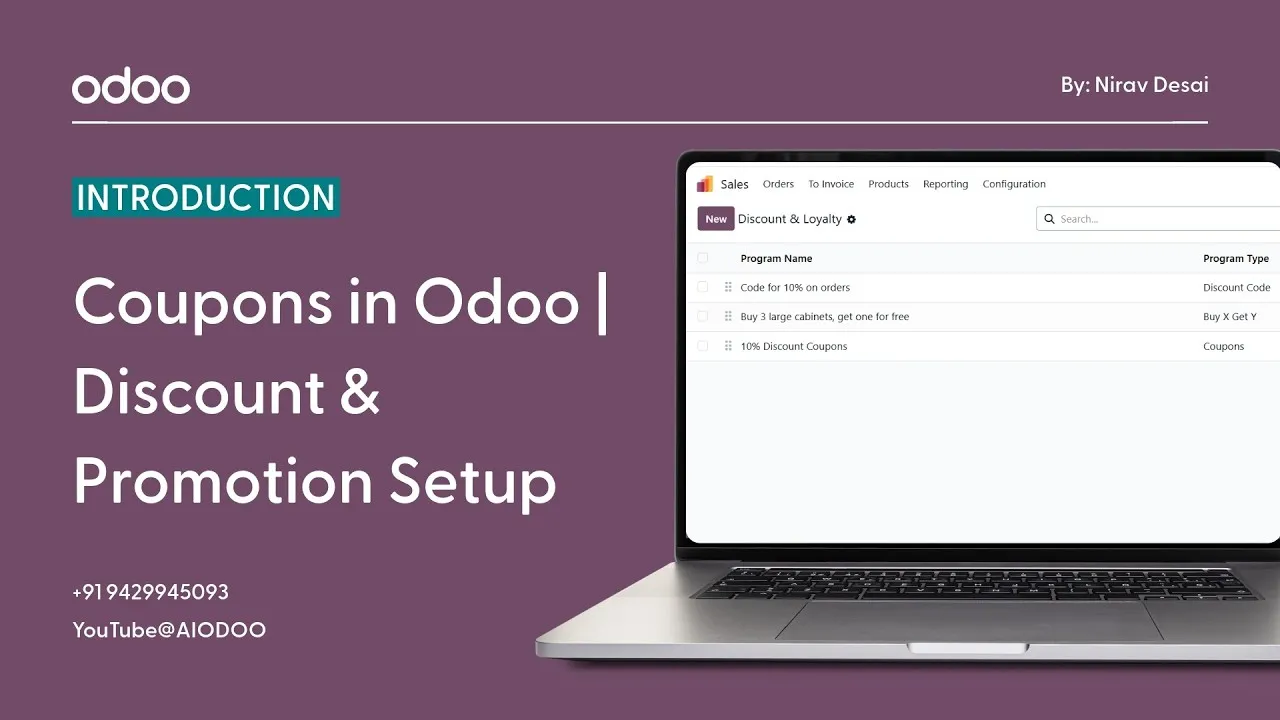
Odoo’s Coupons and Promotions system changes all of that. It gives you a structured, trackable, fully integrated way to run promotional campaigns, from a simple seasonal discount to a complex multi-condition loyalty offer, all managed professionally inside your ERP.
What Are Coupons in Odoo?
In Odoo, coupons and promotions are configurable discount programs that can be applied during sales transactions or at the point of sale, automatically, accurately, and consistently every single time.
This isn’t just about slapping a percentage discount on a product. Odoo’s coupon system is flexible enough to support a wide range of promotional structures:
- Percentage Discounts: take X% off the total order or specific products. The most common type of promotion and the easiest to set up.
- Fixed Amount Discounts: give customers a specific monetary value off their order, “Get ₹500 off orders above ₹3,000”, great for encouraging larger purchases
- Buy One Get One Offers: classic BOGO promotions that reward customers for buying more while moving more of your inventory
- Promotional Campaigns: time-bound offers linked to specific marketing events, product launches, or seasonal periods
- Customer-Specific Offers: targeted discounts for specific customer segments, loyal buyers, or VIP accounts, making customers feel valued and recognized
The beauty of managing all of this inside Odoo is that every promotion is configured once, applied consistently, and tracked automatically. No confusion, no inconsistency, no missed discounts or unauthorized price reductions.
What Are the Real Benefits of Using Coupons in Odoo?
Before we get into the how, let’s talk about the why, because the business case for running structured promotional campaigns goes deeper than just offering a lower price:
- Increase Sales During Campaigns: A well-timed promotion creates a spike in purchasing activity. Festival seasons, product launches, clearance events, coupons give customers a reason to act now rather than later.
- Attract New Customers: First-time buyer discounts and introductory offers lower the barrier for someone who’s been sitting on the fence. A coupon can be the nudge that converts a browser into a buyer.
- Encourage Repeat Purchases: Loyalty-based promotions and returning customer discounts keep your existing buyers engaged and reduce churn. It’s significantly cheaper to retain a customer than to acquire a new one, and smart promotions help you do exactly that.
- Promote Products Strategically: Got slow-moving stock that needs to shift? A targeted promotion on specific products can clear inventory quickly without resorting to blanket discounts that hurt your margins across the board.
- Improve Customer Experience: When customers feel like they’re getting a good deal, especially a personalized one, their satisfaction and loyalty increase. A coupon isn’t just a discount. Done right, it’s a relationship-builder.
- Track What Actually Works: Because promotions are managed inside Odoo, you can see exactly how many times a coupon was used, what revenue it generated, and whether the campaign achieved its goals. Real data, real insights, real decisions.
How to Create Coupons in Odoo: Step by Step
Setting up a coupon program in Odoo is more straightforward than most people expect. Here’s how to get a promotion up and running:
Step 1: Open the Promotions or Coupons Settings Navigate to your Sales module and access the Promotions or Coupons section from the configuration settings. Depending on your Odoo version and setup, this may be labeled slightly differently, but it’s always within the Sales or Point of Sale configuration area.
Step 2: Create a New Coupon Program Click to create a new program and give it a clear, descriptive name, something your team will instantly recognize. “Summer Sale 20% Off” or “New Customer Welcome Discount”, clarity here saves confusion later.
Step 3: Configure the Discount Rules This is where you define exactly what the promotion does. Choose your discount type, percentage, fixed amount, free product, or a combination. Set which products or product categories the discount applies to. Configure any minimum order value requirements if applicable.
Step 4: Set Validity Conditions Define when the promotion is active, start date, end date, and any usage limits. You can cap how many times a coupon code can be used in total, or limit it to one use per customer. Time-limited promotions create urgency; usage limits maintain control over your margins.
Step 5: Generate Coupon Codes if Needed For coupon-based promotions, Odoo can generate unique coupon codes that customers enter at checkout to claim their discount. These codes can be distributed via email campaigns, social media, or any other marketing channel, and Odoo tracks every single redemption automatically.
Step 6: Apply During Sales or POS Transactions Once the coupon program is active, applying it during a transaction is effortless. In a sales order, your team enters the coupon code and the discount is applied instantly, correctly calculated, clearly displayed, and properly recorded. In Point of Sale, the process is equally smooth.
The entire setup from start to finish can be completed in minutes, and once it’s running, the system handles everything automatically.
Types of Promotional Offers You Can Run in Odoo
One of the things that makes Odoo’s promotions system genuinely powerful is the variety of campaign types it supports. Your marketing strategy isn’t one-dimensional, and your promotional tools shouldn’t be either.
Here’s a look at the kinds of campaigns businesses run successfully inside Odoo:
- Festival and Holiday Discounts: Diwali, New Year, Eid, Christmas, seasonal campaigns are some of the highest-converting promotions any business can run. Set them up in advance, schedule the start and end dates, and let Odoo handle the rest.
- Seasonal Promotions: End-of-season clearances, summer sales, monsoon offers, time-bound campaigns that create urgency and drive volume during key business periods.
- Buy One Get One (BOGO): A proven formula for increasing average order values and moving inventory. Customers feel like they’re getting exceptional value, and businesses sell more volume. Everybody wins.
- Loyalty-Based Discounts: Reward your best customers with exclusive discounts that recognize their continued business. This kind of personalized treatment turns regular buyers into brand advocates.
- Limited-Time Campaigns: Flash sales, 24-hour offers, weekend-only deals, scarcity and urgency are powerful psychological triggers, and Odoo lets you run these kinds of campaigns with full control over timing and limits.
- Product-Specific Promotions: Want to push a particular product line or clear slow-moving stock? Create a promotion that applies only to specific products or categories, giving you surgical precision in how you deploy discounts.
Why a Structured Promotions Strategy Actually Matters
Here’s something worth thinking about, discounts without strategy don’t just fail to grow your business. They can actually hurt it.
An untracked discount program means you have no idea whether your promotions are profitable. A poorly configured discount applied inconsistently damages customer trust. A promotion with no end date that your team forgot about keeps running long after it should have stopped.
These aren’t hypothetical problems. They happen in businesses every day.
Odoo’s structured approach to promotions protects you from all of this. Every campaign has clear rules, defined timeframes, usage limits, and automatic tracking. You’re not just offering discounts; you’re running marketing programs with measurable outcomes.
And when you can measure outcomes, you can improve them. Which promotions drove the most revenue? Which ones brought in new customers? Which ones didn’t perform as expected? Odoo gives you the data to answer these questions and make smarter decisions with your next campaign.
Well-planned, properly managed promotions don’t just boost short-term sales, they:
- Create Urgency: limited-time offers prompt faster purchasing decisions
- Strengthen Customer Relationships: personalized discounts make customers feel genuinely valued
- Improve Brand Visibility: promotions give people a reason to talk about your business
- Improve Conversion Rates: a customer who was almost going to buy becomes a customer who definitely buys
Also Read : Products Module in Odoo | Complete Product Management Explained
The Bottom Line
Promotions and discounts are not just a sales tactic; they’re a strategic business tool. And like any tool, they work best when they’re used with precision, consistency, and a clear plan behind them.
Odoo’s Coupons and Promotions system gives you exactly that. A professional, integrated, fully trackable way to design and run promotional campaigns that actually deliver results, without the chaos, inconsistency, and guesswork that come with managing discounts manually.
From a simple festival discount to a sophisticated multi-tier loyalty program: Odoo makes it manageable, measurable, and genuinely effective.
Your competitors are running promotions. The question is whether yours are running smarter than theirs.
Watch the full video for a practical step-by-step explanation: